
Solar Mounting Kits
PV mounting hardware sets configured from the installation type, module layout and structural interface. Easy Solar can prepare counted rails, clamps, attachments, fasteners, grounding parts and related hardware from a confirmed mounting-system BOM.
- Roof & Ground Systems
- Module-Layout Based
- Counted Hardware
- BOM Matching
- Project Packing
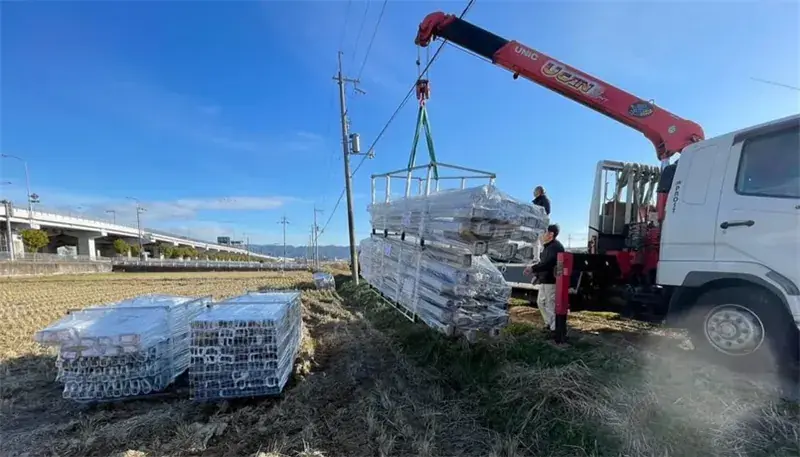
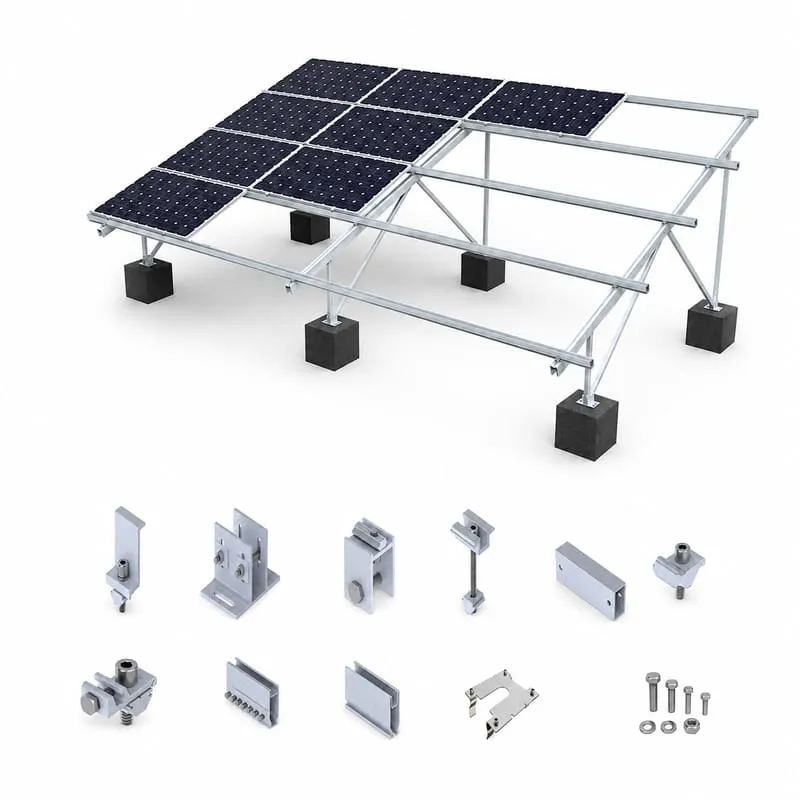
A Mounting Kit Starts with a Defined PV Racking System
A professional mounting kit is the counted mechanical hardware required for a defined array and mounting method. It is not selected from panel count alone, and the same number of modules can require different components on tile, metal, flat-roof or ground-mounted projects.
The standard scope on this page is mounting and racking hardware. PV modules, inverters, batteries and other electrical generation equipment are not included unless they are explicitly listed in a separate quotation.
- Choose the mounting system and structural attachment first.
- Confirm module dimensions, orientation and row arrangement.
- Calculate component quantities from the approved layout or BOM.
- Define packing and labeling only after the component list is confirmed.
Choose the Mounting System Before the Hardware Kit
Keep the first choice at system level. Roof-specific details belong on the dedicated roof pages rather than being duplicated here.
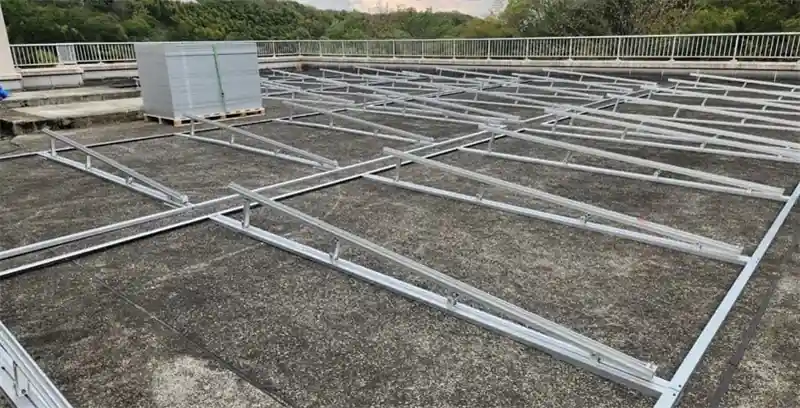
Roof Mounting Hardware Sets
Configured after the roof covering, roof attachment, module layout and rail direction are defined.
View Roof Systems →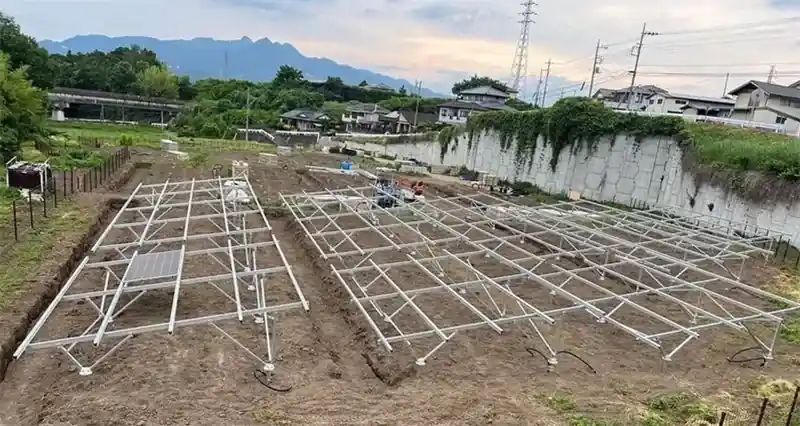
Ground Mount Hardware Sets
Built from the selected table structure, module arrangement, foundation interface and structural connection details.
View Ground Systems →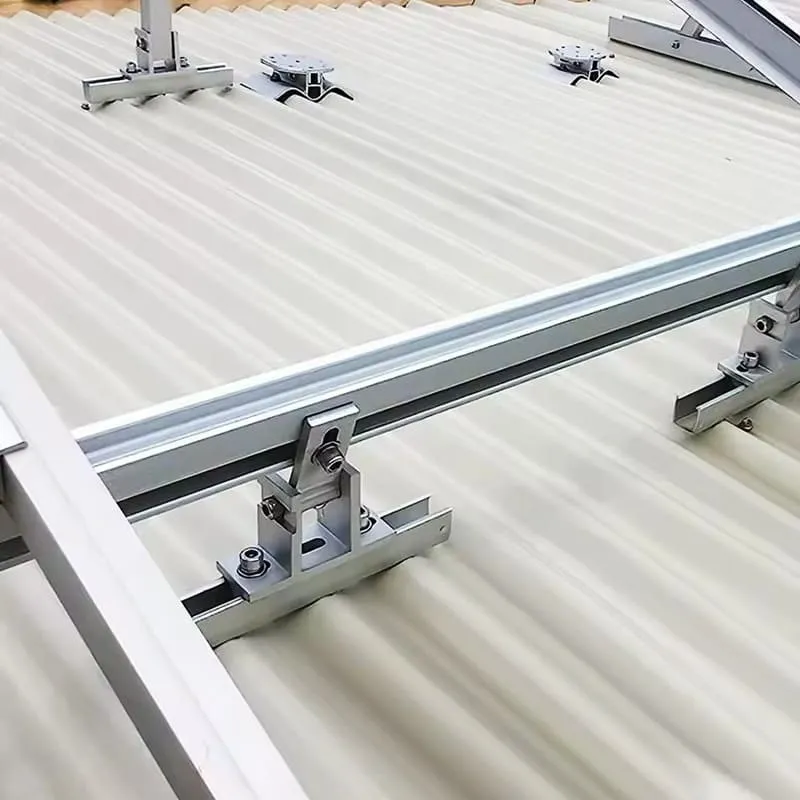
Carport, Balcony & Project-Specific Sets
Use the corresponding system design for carport, balcony, adjustable or other specialized mounting applications.
View Solar Mounting Systems →What Determines the Kit BOM?
Professional racking systems calculate parts from project inputs. Panel count is only one variable.
Mounting Application
Roof type and attachment, ground structure and foundation, carport frame or another defined mounting system.
Module Layout
Module dimensions, frame height, portrait/landscape orientation, modules per row and total array arrangement.
Structural Inputs
Support spacing, roof/substructure interface, foundation condition and applicable wind, snow or other design loads.
Supply Requirements
Quantity, spare allowance, project grouping, labels, packing method, destination and required delivery schedule.
Components Included Only When the Selected System Requires Them
A kit should contain compatible parts for one defined mounting path, not a generic collection of accessories.
Mounting Rails / Profiles
Lengths and quantities follow the module rows, splice positions and support layout.
View Rails →Module Clamps
Mid and end clamps are matched to the module frame and the selected rail or support profile.
View Clamps →Attachments & Brackets
Roof, rail or structural connection parts are selected for the actual mounting interface.
View Brackets →Fasteners & Splices
Bolts, nuts, washers, screws and splice hardware are counted from the system connection details.
View Fasteners →Grounding / Bonding Parts
Grounding clips, lugs and related hardware follow the selected bonding method and layout.
View Grounding Parts →Cable Management
Optional wire-management parts can be added when they are defined in the project supply scope.
View Cable Clips →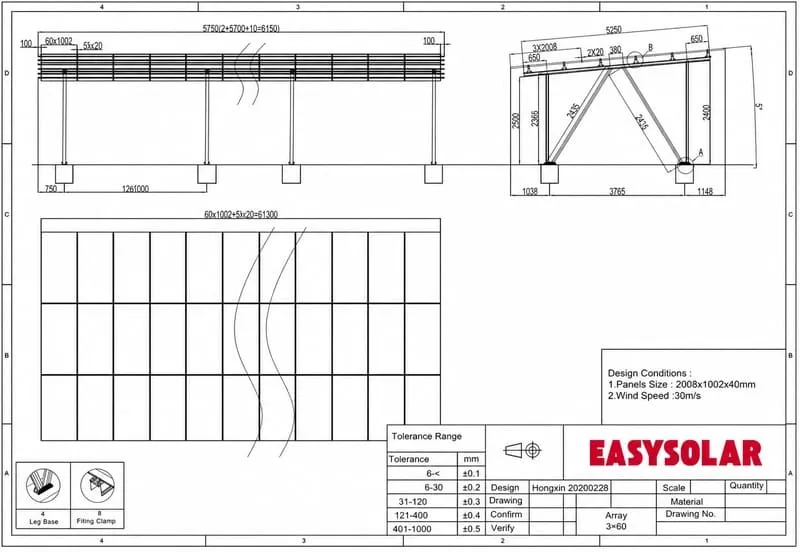
Turn the Approved Layout into Counted Hardware
The useful output is a bill of materials tied to the actual mounting design. Rail lengths, attachments, clamps, splices, fasteners and optional accessories can then be counted and grouped for procurement and site handling.
- Component model and quantity by system or array section
- Rail bundles and structural parts matched to the approved layout
- Counted bags or boxes for small hardware where agreed
- Optional spare quantity only when specified in the order
- Project, roof-zone, row, table or shipment-batch labels where useful
Use the Roof-Specific Page for Attachment Selection
This kit page should not duplicate the detailed roof-interface guidance already covered by the roof system pages.
Tile Roof
Choose compatible roof hooks or other approved tile-roof attachment paths.
View Tile Roof System →Metal Roof
Match the attachment to standing seam, corrugated, trapezoidal or other metal roof profiles.
View Metal Roof System →Flat Roof
Review ballasted or attached options from roof condition, layout and project engineering.
View Flat Roof System →Other Roof Types
Start from the roof-system selector when the roof profile or attachment route is not yet confirmed.
View Roof Mounting Systems →Component Matching, Counting and Project Packing
Factory and OEM claims are kept short here; detailed production capability belongs on the dedicated capability pages.
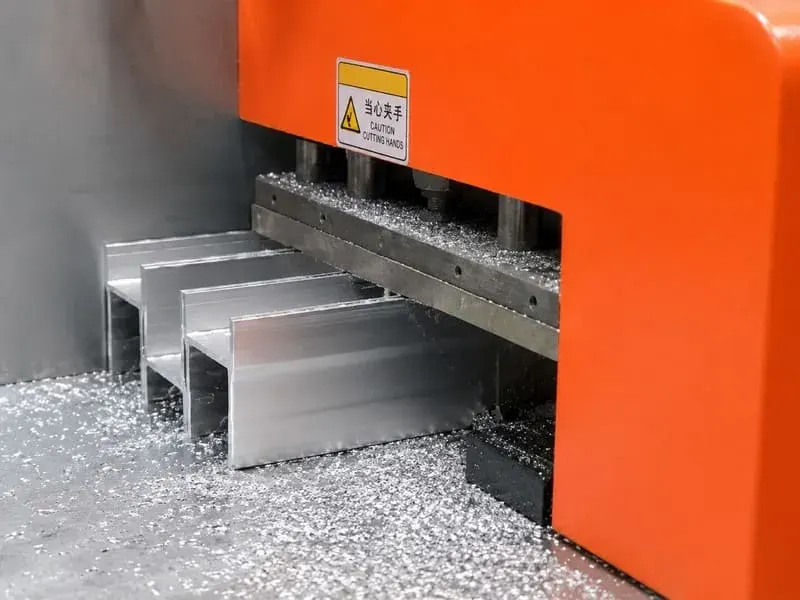
Matched Components
Prepare the specified rails, brackets, clamps and hardware from the confirmed system and BOM.
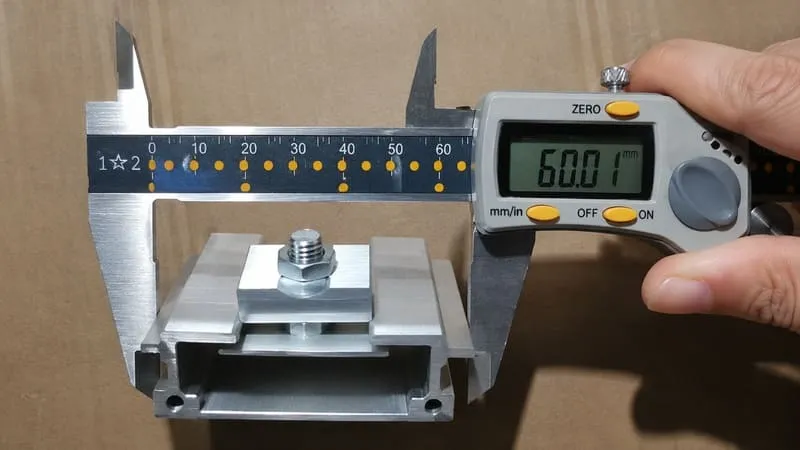
Quantity Verification
Check component models, counted quantities and accessory sets against the agreed order list.
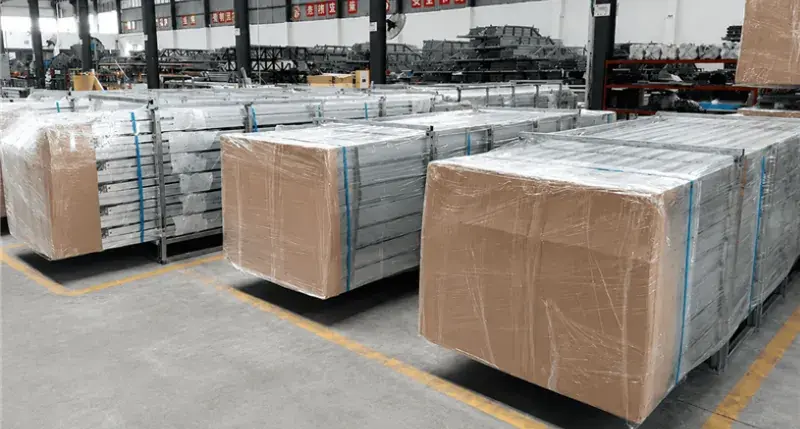
Project Packing
Group hardware by agreed array area, table, roof zone or shipment batch where that helps installation logistics.
Solar Mounting Kit Configuration Reference
Final components and quantities come from the selected mounting system and project design.
| Primary scope | Mechanical PV mounting and racking hardware for a defined mounting system and array layout. |
|---|---|
| System families | Roof, ground, carport, balcony and other project-specific mounting systems. |
| Possible components | Rails/profiles, clamps, roof or structural attachments, brackets, splices, fasteners, grounding/bonding parts and optional cable-management hardware. |
| Module inputs | Module dimensions, frame height, orientation, quantity, row/column arrangement and approved clamping zone where applicable. |
| Project inputs | Mounting application, structural interface, layout, support spacing, site loads and project-specific engineering requirements. |
| Supply format | Counted BOM, rail/structural bundles, small-hardware sets, labels and project packing according to the agreed order scope. |
| Excluded by default | PV modules, inverter, battery and electrical generation equipment unless explicitly included in a separate quotation. |
Request a Project-Matched Mounting Kit BOM
Send the mounting application, module data and layout information. The component list can then be matched to the selected racking system before quantities, packing and quotation are finalized.
- Mounting application and roof / foundation details
- PV module datasheet and frame information
- Module quantity, orientation and layout
- Project location and structural design inputs
- Required BOM, grouping, packing and destination
Solar Mounting Kit Questions
Visible FAQs are retained for users, without FAQ rich-result markup.
What is included in a solar mounting kit?
The exact parts depend on the selected racking system. A kit may include rails or profiles, clamps, roof or structural attachments, brackets, splices, fasteners, grounding parts and optional cable-management hardware.
Can I order a kit by panel count alone?
No. Panel count helps estimate scale, but module dimensions, orientation, array layout, mounting surface, attachment or foundation method and structural inputs are also needed to determine the BOM.
Does the mounting kit include solar panels or an inverter?
Not by default. This page covers mechanical mounting and racking hardware. Modules, inverters, batteries and electrical equipment are included only when specifically listed in a quotation.
What should I send for a kit quotation?
Send the mounting application, module datasheet, module quantity and layout, roof or foundation information, project location/design inputs, required supply scope and packing or delivery requirements.